
01
The whole assembly in one model
Body, shelves, robot and operator station in the same assembly; parts are parametric and fully constrained, so the model updates itself when a dimension changes. We work with a human model for scale.
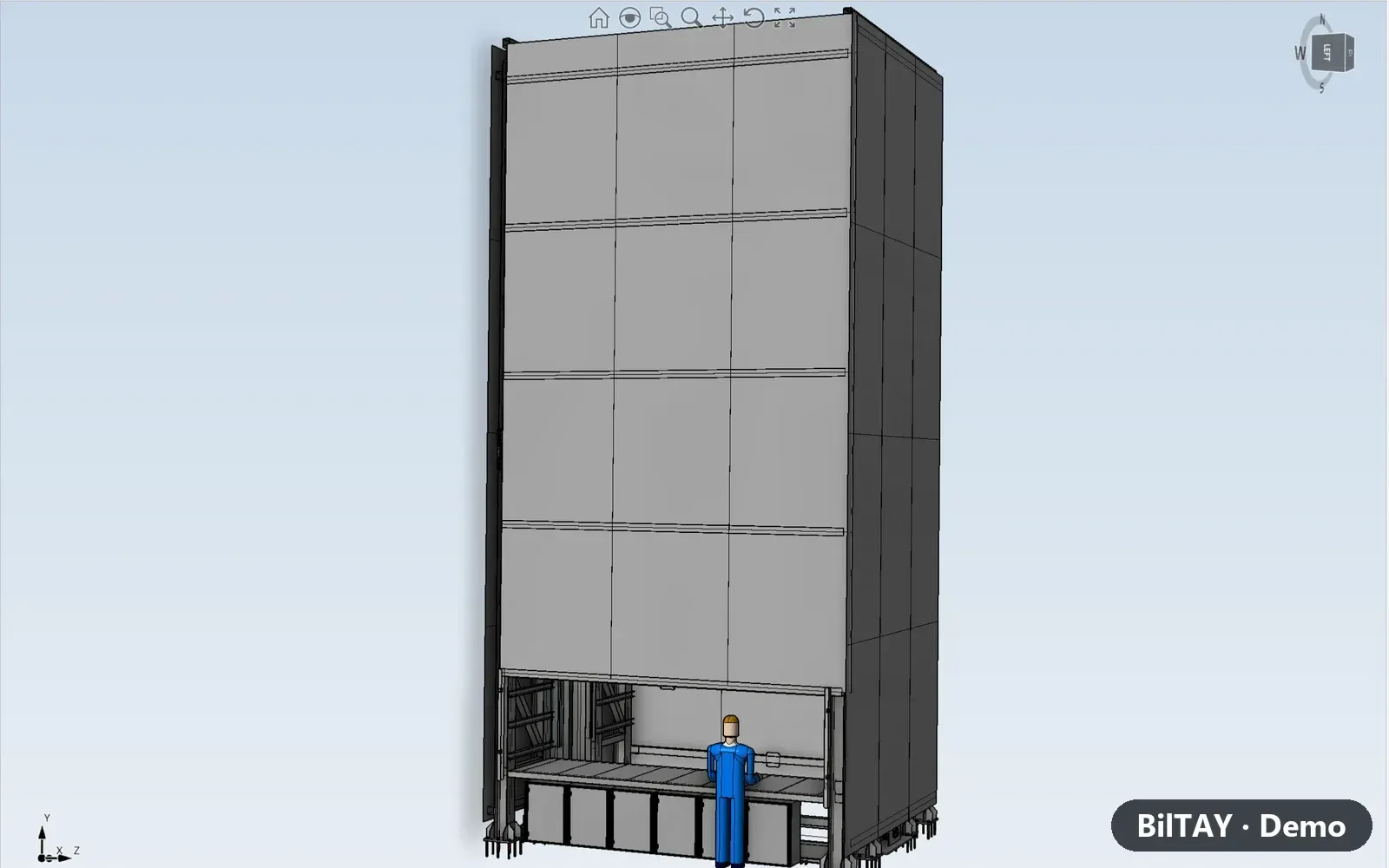
We design our machines in İMGE, BilTAY's CAD/CAM software: assembly, strength analysis, toolpaths and G-code in one program, and the model moves into the factory simulation.
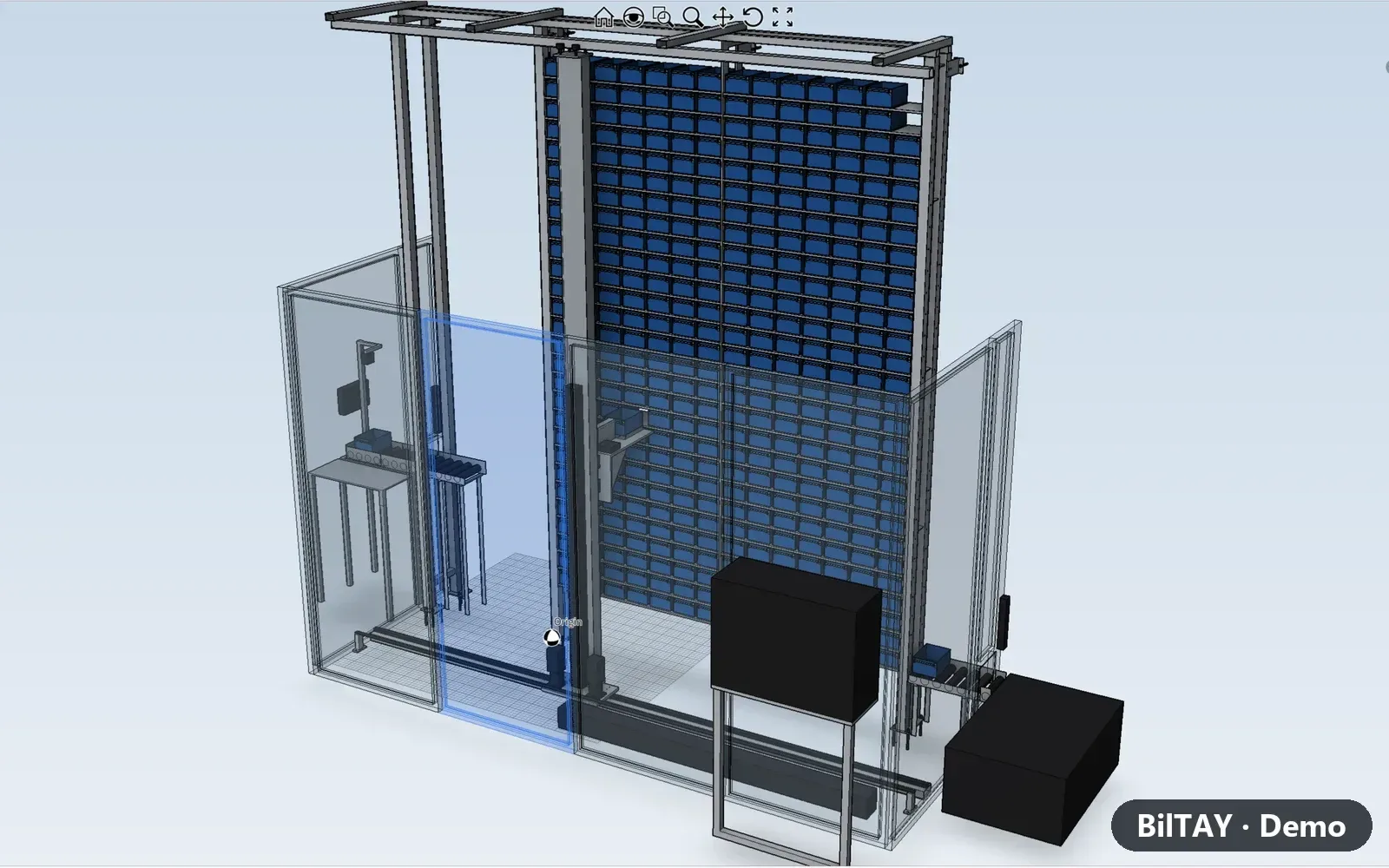
Body, shelves, robot and operator station in the same assembly; parts are parametric and fully constrained, so the model updates itself when a dimension changes. We work with a human model for scale.
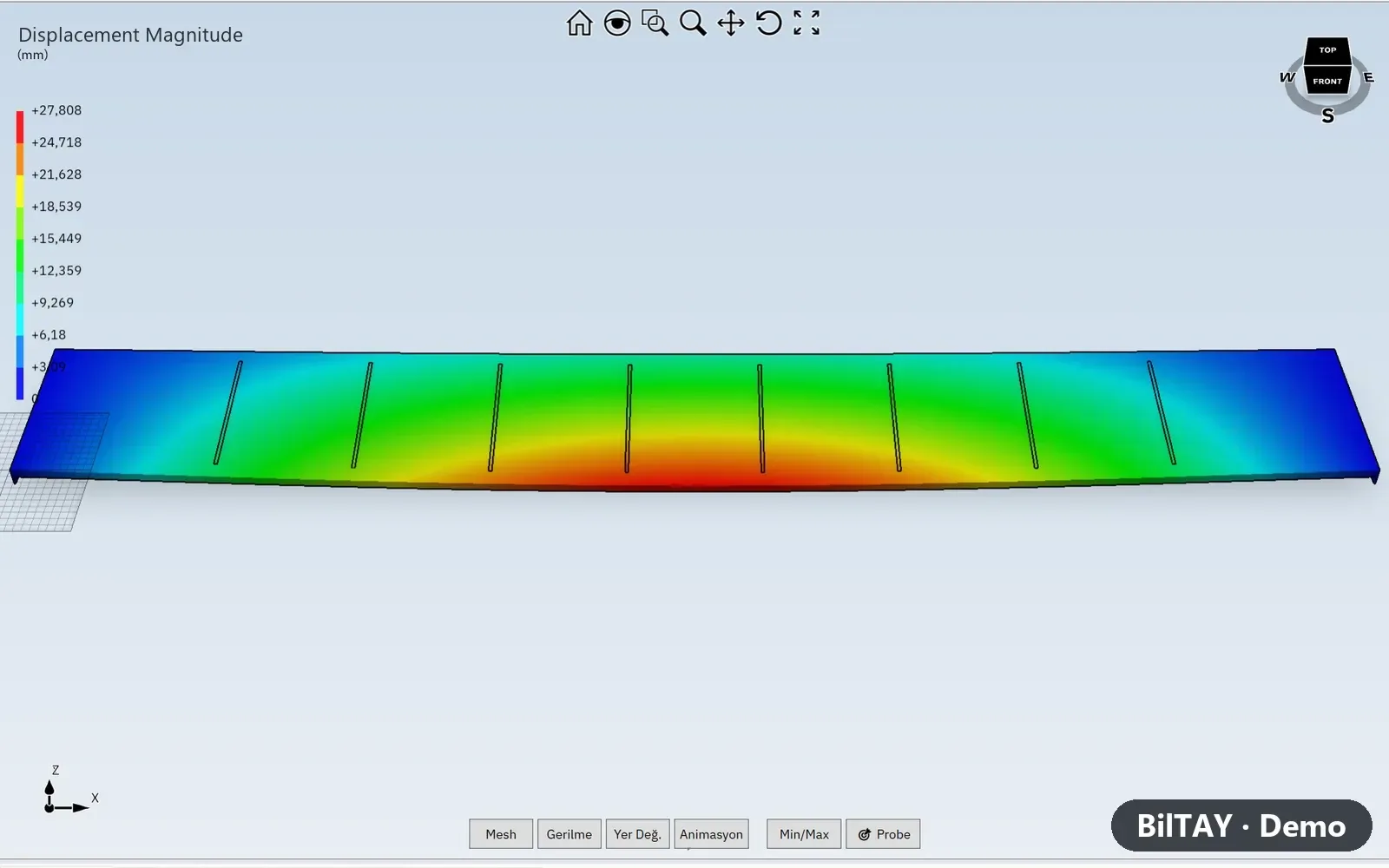
Load-bearing parts are tested with İMGE's finite element analysis; displacement and stress are visible before fabrication.
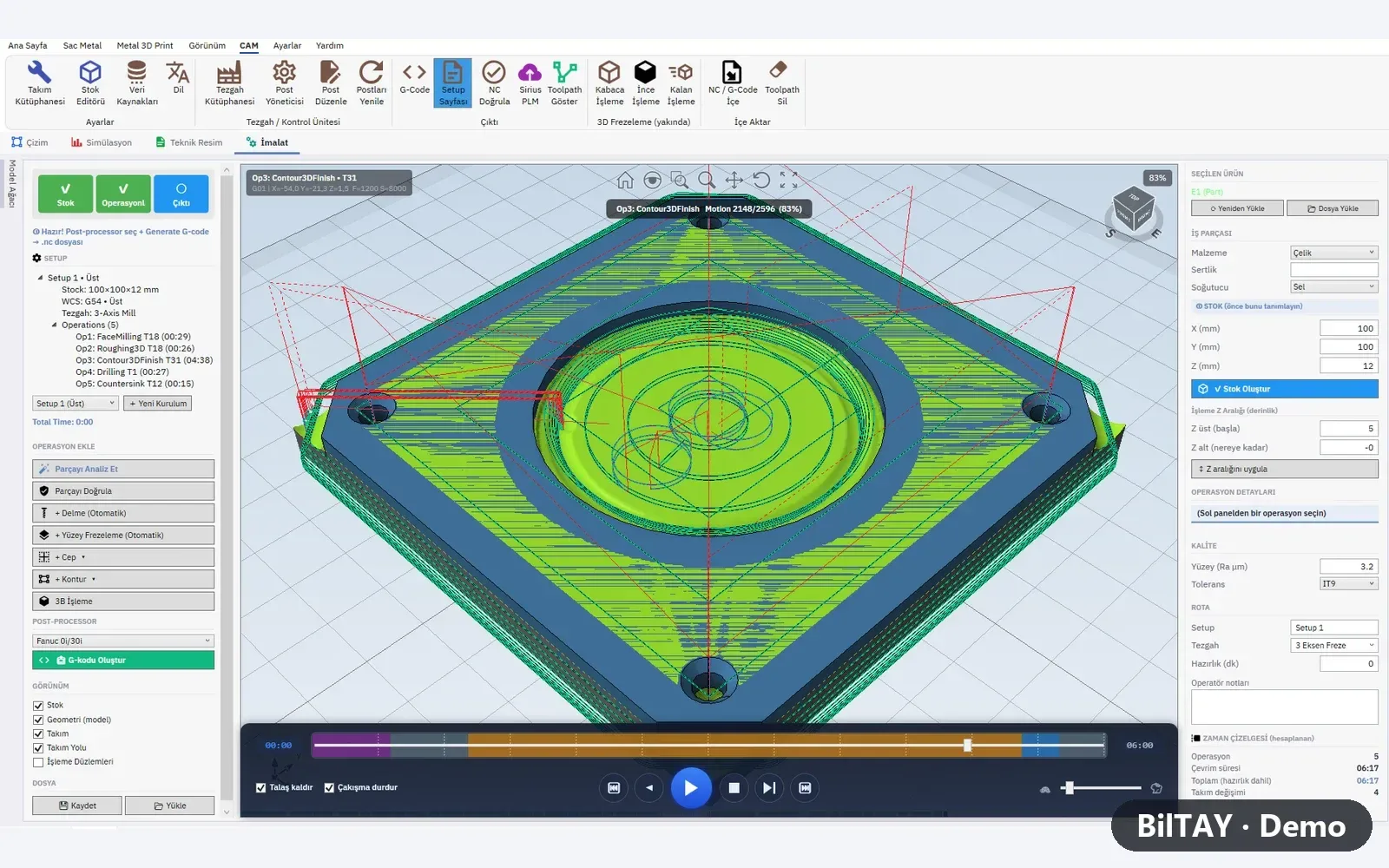
Toolpaths for machined parts are created in İMGE CAM, verified in a stock-removal simulation, and G-code is generated with the machine's post-processor.
The machine is placed into the factory model in Sahne; its place on the line, its effect on flow and the bottleneck are seen in simulation before commissioning.
Line simulationTell us about your line and your goal; we'll measure on site and get back to you.